The challenge
Enterprise and professional-services organizations often manage requirements, functional specifications, technical documentation, implementation plans, epics, tasks, acceptance criteria, and engineering deliverables across a fragmented set of tools. Business ideas and meeting outcomes may be captured in one place, planning artifacts in another, and delivery tasks in a third. This fragmentation can slow the path from discovery to development and make consistency difficult to maintain.
Teams need a more integrated and accessible way to manage AI-assisted business requirements and engineering deliverables. The challenge is to connect product planning, team collaboration, and engineering enablement without losing review and control over generated content. GPT Master is positioned to address that need by bringing structured generation and workflow linkage into a single workspace.
Core capabilities
- AI-assisted documentation: Generation of business requirements, functional specifications, and technical documentation.
- Delivery planning: Implementation plans, epics, tasks, acceptance criteria, and engineering deliverables.
- Design visualization: Architecture, workflow, and other design diagram generation.
- Project-management automation: Automated tasks and boards in Jira, Azure DevOps, and ClickUp.
- Engineering enablement: Repository setup, project boilerplates, and initial software scaffolding.
- Collaboration integrations: Connections with Gmail, Google Drive and Calendar, OneDrive, Microsoft Teams and Calendar, Slack, and related work tools.
- Meeting intelligence: Multilingual notes, summaries, decisions, and action-item distribution.
How it works
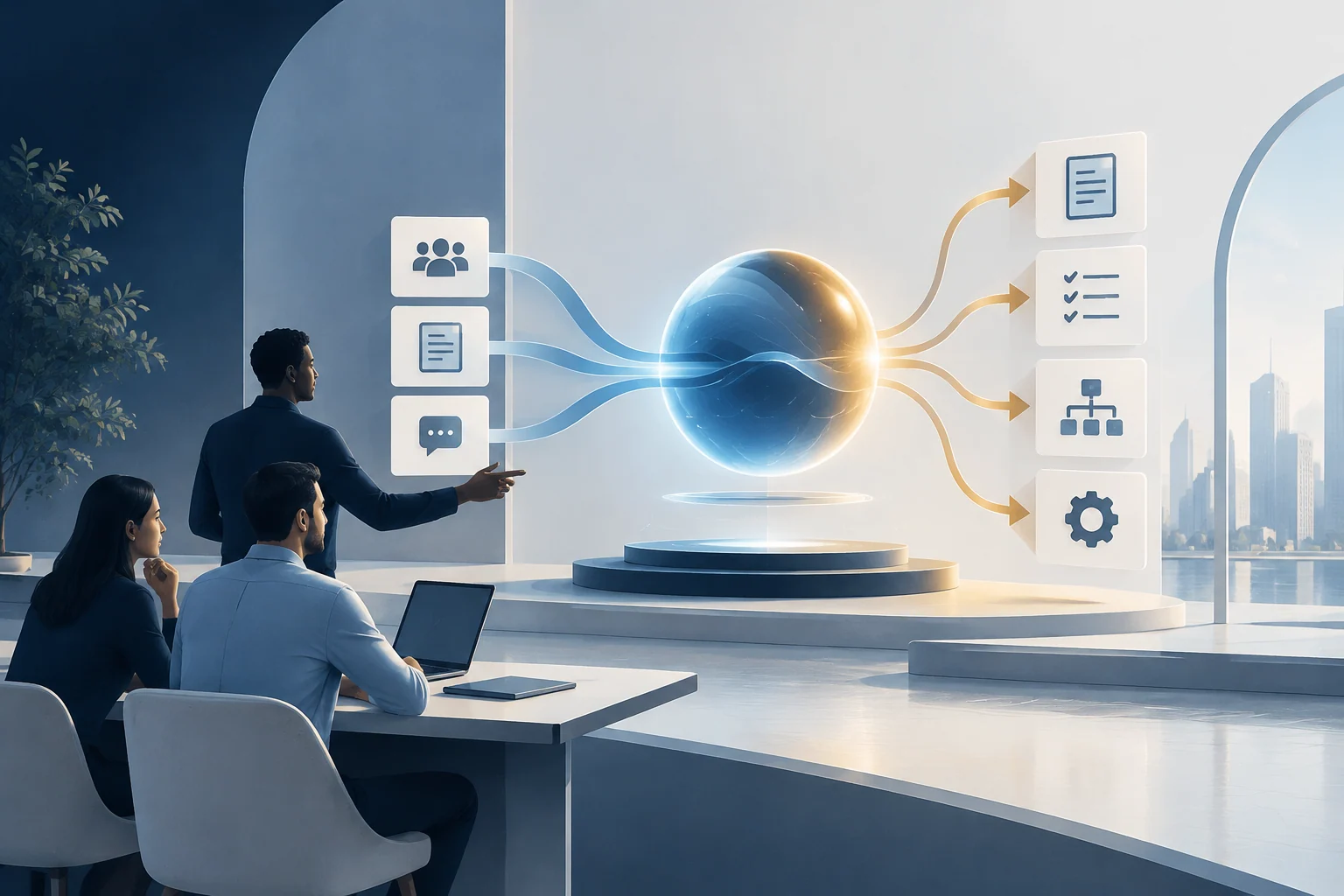
The workflow begins with capturing input from business discussions, meetings, or existing requirements. The platform can generate structured business and technical documentation from that input. It then helps produce implementation plans, epics, tasks, and acceptance criteria. Architectural and workflow diagrams can be generated to support design communication.
Approved planning artifacts can be routed into project-management tools such as Jira, Azure DevOps, or ClickUp, where tasks and boards are created or updated. For engineering teams, the platform can support repository setup, project boilerplates, and initial software scaffolding. Meeting intelligence can capture multilingual notes, extract summaries and decisions, and distribute action items to collaboration tools such as Slack. Throughout this workflow, generated documents and write actions remain subject to review before they are finalized or pushed to connected systems.
Integrations
GPT Master integrates product and engineering artifacts with project-management, collaboration and document systems. Jira, Azure DevOps and ClickUp support delivery automation, while connected workspace services support approved document sharing and coordination.
| Category | Examples | Role in workflow |
|---|---|---|
| Project management | Jira, Azure DevOps, ClickUp | Create and manage tasks, boards, issue fields, and assignments. |
| Collaboration and communication | Slack, Microsoft Teams and Calendar | Distribute approved follow-ups and support team coordination. |
| Documents and storage | Gmail, Google Drive and Calendar, OneDrive | Connect with existing work tools and content sources. |
Platform modules
Jira Automation Toolkit
Creates and manages structured delivery tasks, issue fields, assignments, and related project operations in Jira.
UI/UX Builder & Storybook UI Kit
Helps generate and organize reusable UI components, interface concepts, and design-system-based screens.
Live Meeting Intelligence
Captures mixed-language meetings, extracts summaries and action items, and distributes approved follow-ups to collaboration tools such as Slack.
DGA-Aligned Page Builder
Generates and previews application pages aligned with Saudi Digital Government Authority design conventions, where supported.
Business value
GPT Master connects discovery, requirements, architecture and project delivery through a single software environment. Teams retain context from meeting decisions to documented requirements, implementation tasks and connected issue-tracking systems, while review gates keep generated content and downstream actions under user control.