
The solution
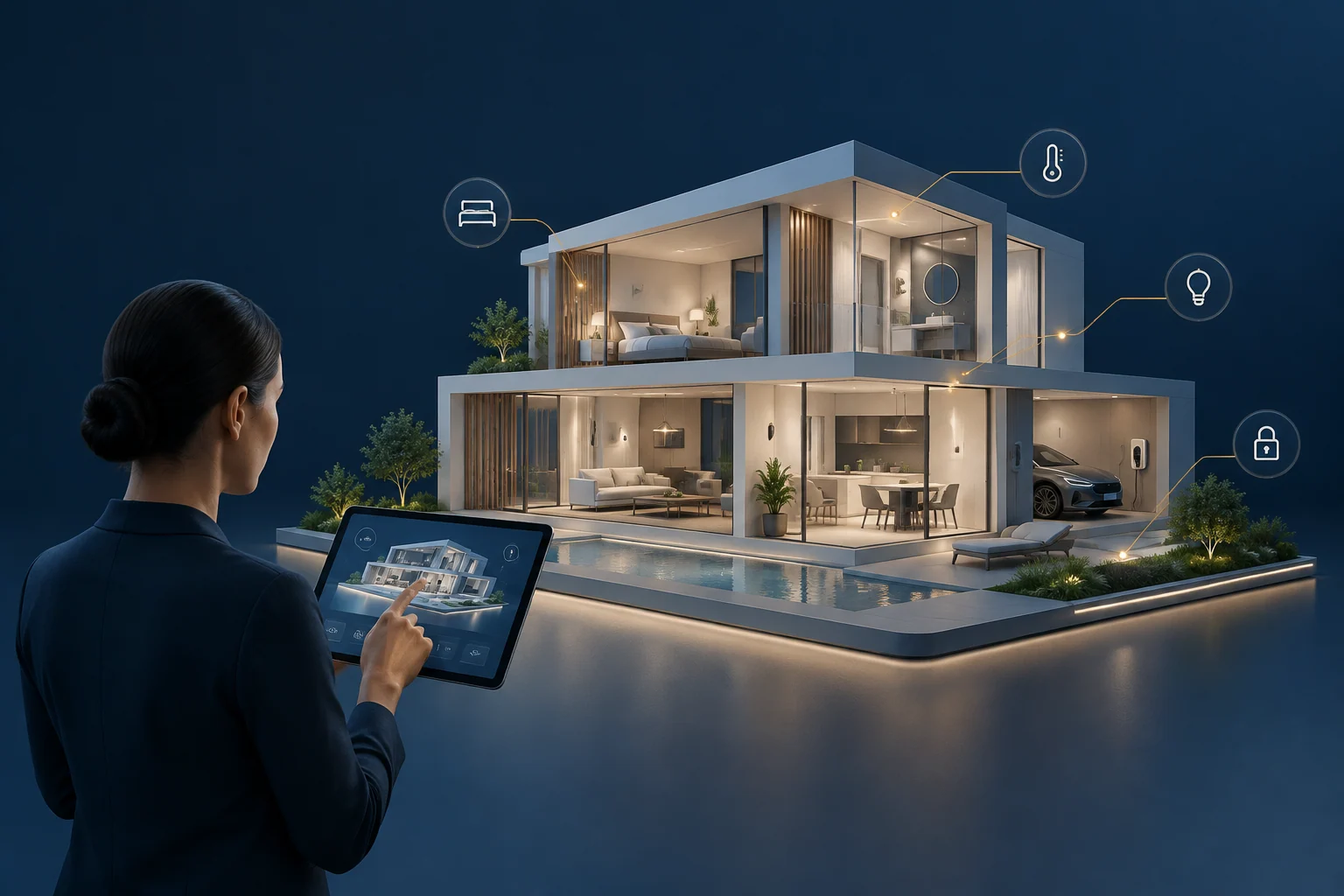
Smart Home 3D Digital Twin is a spatial software interface for residential properties. It represents rooms and home assets in an interactive 3D environment, giving residents a way to understand and operate connected rooms, devices, and automated routines. Rather than managing devices only through separate lists or apps, users navigate a digital representation of the property and interact with room- or device-specific controls. The approach is built to make residential operations more intuitive by anchoring them in the physical layout of the home.
The challenge
The 3D digital twin provides a unified spatial interface for managing devices and automation routines within the context of the property, linking digital controls to their physical locations.
Platform architecture
The platform provides an interactive digital representation of a home, where rooms and home assets are modeled in 3D and paired with available device and room controls. Users navigate the property environment, select a room or asset, and interact with device-specific or scene-based actions. The experience is built to visualize connected-device state where integrations are available, so residents can see status and context without switching between separate lists. Automation workflows are organized around scenes, allowing routines to be understood and operated within the spatial layout of the home. The design is resident-focused, emphasizing clarity, monitoring, and intuitive operation.
Core capabilities
| Capability | Description |
|---|---|
| 3D representation of rooms and home assets | Models the property layout and key assets in an interactive 3D environment. |
| Interactive device and room-control experiences | Allows users to select rooms or devices and operate available controls from within the 3D view. |
| Connected-device state visualization | Displays device status and state where integrations are available. |
| Scene-based automation and control workflows | Organizes automated routines around scenes that can be understood and operated spatially. |
| Resident-focused monitoring and experience design | Prioritizes clarity and usability for residents managing their home environment. |
How it works
Residents navigate the 3D property view, select a room or asset, examine its available controls and execute supported connected-home actions in context.
- Open the 3D property view. The resident enters an interactive digital representation of their home.
- Navigate to a room. The user selects a room, such as a living area or bedroom, from the spatial layout.
- Review device state. Available devices in that room are shown with their current state, where integrations exist.
- Operate a device or scene. The resident adjusts a device control or activates a scene-based routine.
- Monitor the result. The 3D view reflects the updated state, providing spatial confirmation of the action.
This workflow is built to reduce the need to switch between separate device lists or apps. It places control in the context of the actual property, which may help residents and operators understand how devices and routines relate to physical spaces.
Business value
The platform brings connected-home interfaces into spatial context, allowing residents to locate devices, manage room-level controls and interact with home automation from a unified visual interface.